AI YouTube Thumbnail Maker
Upload a face photo, enter your video title, and get a click-worthy 1280x720 thumbnail. Built for YouTubers who need results fast without a graphic designer.
Your photo and settings carry into Studio. Generating needs Starter; check the final cost before you start.
 Real output
Real outputs. Pick an example to pause.
What comes out
Explore what this tool can make.
How it works
1 · Upload Your Face Photo
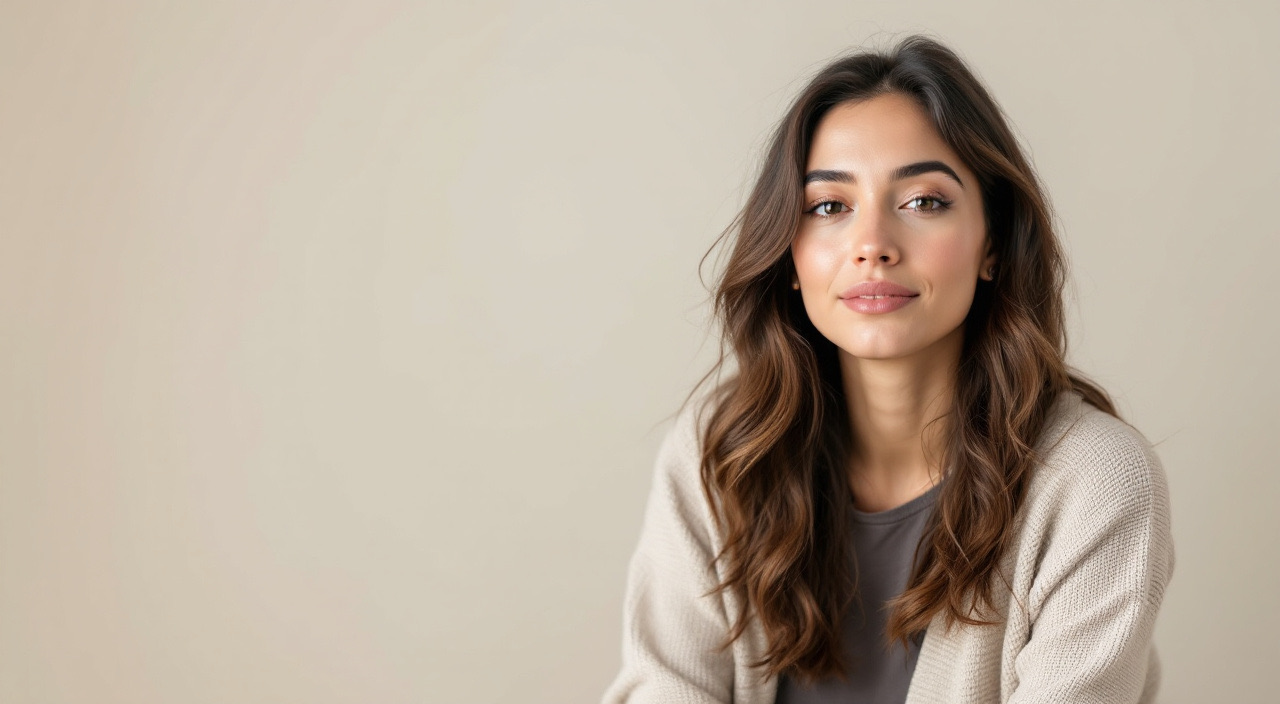
Use a photo with a clear, forward-facing expression on a plain background. The generator isolates your face and places it in the thumbnail composition.
2 · Enter the Video Title or Hook
Type the thumbnail title text — usually a shortened, punchy version of your video title. Keep it under 6 words for maximum legibility.
3 · Describe the Style
Add optional context: 'dark cinematic background', 'neon gaming aesthetic', 'clean minimal tech look'. The generator matches the visual style to your channel's tone.
4 · Generate Variations
Receive multiple thumbnail options. Choose the composition that fits best or use one as a starting reference and adjust your prompt.
5 · Download and Upload to YouTube
Save the 1280x720 PNG directly. It is ready to upload as a custom thumbnail on any YouTube video.
What it costs
Flux 1.1 Pro starts at 8 credits per output at default settings. Check your settings and total in Studio before running.
See the plans →The models behind it
Pick a different one from the composer if you want.
Made for
Solo YouTubers
A solo creator publishing multiple videos per week can generate a polished thumbnail for each video without spending 30 minutes in Canva or Photoshop — or paying a thumbnail designer per video.
Finance and Business Creators
A finance YouTuber can generate thumbnails with a confident on-camera look and bold dollar-figure text that matches the high-stakes visual language their audience expects.
Gaming and Tech Channels
A gaming or tech creator can match thumbnails to a neon, dark-mode, or HUD aesthetic consistently across a channel without rebuilding templates in a design tool.
Education and Tutorial Channels
An educator can pair a clear headshot with a numbered hook ('5 Ways to...', 'The #1 Mistake...') and a clean background that reads well at small sizes in mobile search results.
Agencies Managing Multiple Channels
A video production agency or YouTube management team can batch-generate thumbnail options for client review, reducing design turnaround from days to minutes.
Other one-click apps
The same starting point, other jobs.
Virtual Staging AI for Real Estate Listings →
Furnish empty rooms digitally in minutes. Generate photorealistic staging for any property photo without furniture rentals, movers, or a photographer on site.
AI Cartoonify — Turn Any Photo into Cartoon & Anime Art →
Turn your photos into anime, cartoon, or Ghibli-style artwork in seconds. Pick a style, upload your image, and get a stylized result you can share or print.
Sketch to Render — Turn Any Drawing into a Polished Image →
Upload a rough sketch and describe the style you want. Mintdreamer transforms line art into detailed, professional renders for architecture, product design, and character art.
Old Photo Restoration and Colorization with AI →
Repair damaged, faded, or scratched old photos and bring black-and-white images to life with accurate color. Preserve family memories in the quality they deserve.