AI character creator
One face.
Every scene after.
Start with a photo or a line. Pick the face, build its model sheet, and bring the same character into images, stories and video.
Characters is on Hobby, with every image model. Video is on Starter. See plans
Or start from a ready-made character →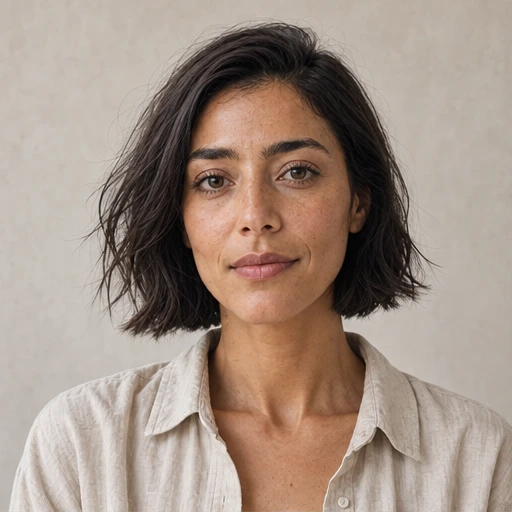
Same face, every time
One sentence in. A person who stays put.
Sam started as one line of text. The anchor is the first render; the five angles that follow are separate generations conditioned on it — not crops, not filters, not one image rotated. Compare the freckles and the silver hoop.
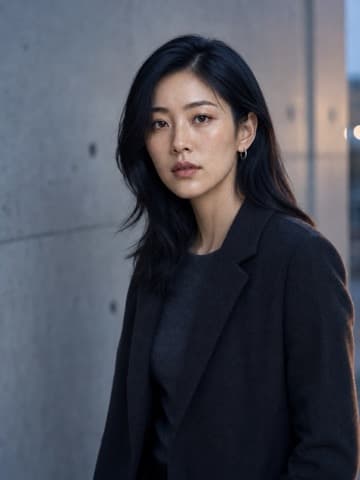
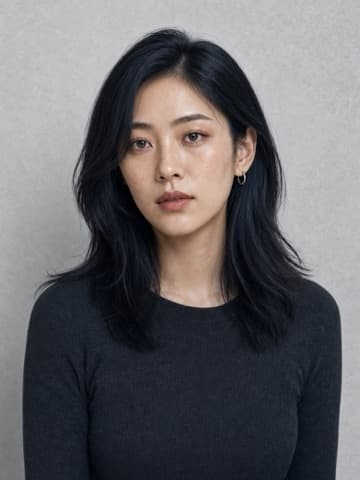
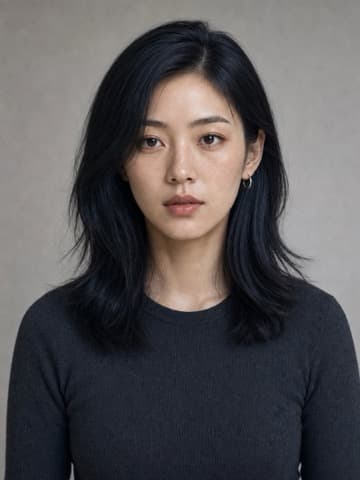
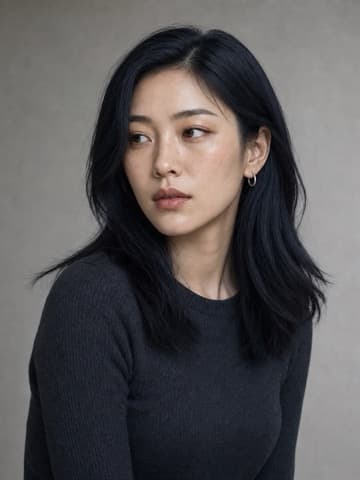
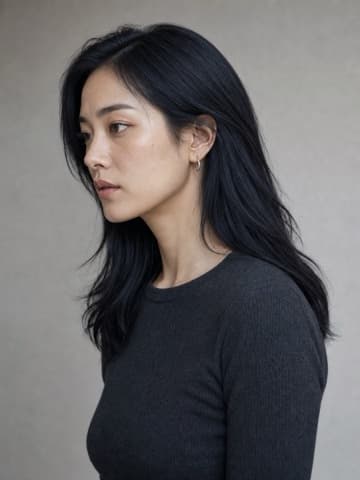
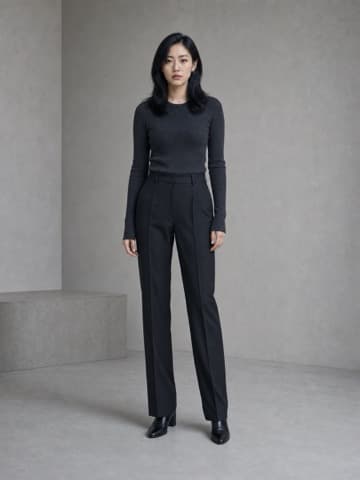
These are separate renders from an earlier character session. The current Face preset is Front, three-quarter, Side, Back and Full body. Reference support varies by model: some use the anchor, others use multiple views to help preserve identity.
How it works
From a sentence to a cast member. No training, no LoRA.
- 01
Describe or upload
One sentence is enough — "a Korean dog-treat founder, long blue-black hair, a silver hoop". Or start from a photo you already have. No dataset, no training run, no LoRA to wait on.
- 02
Get an anchor
That line gives you faces to choose from. Keep one to draft its name, appearance and notes. The chosen face is the anchor: everything downstream conditions on it rather than on your original wording.
- 03
Fill the sheet
Five Face tiles — front (the anchor), three-quarter, side, back and full body — make up the standard model sheet. Build the remaining views from your chosen face. This is the file the models read when they need to know who this person is.
- 04
Make things with it
Point the sheet at a new scene, a video model, or a storyboard. The face carries. You are no longer prompting for a person, you are casting one you already have.
One character, every medium
Lock the face once. Use it everywhere.
A saved character is an input, not an output. Open it and the next step is a menu rather than a blank prompt box — every one of these starts from the same reference sheet.
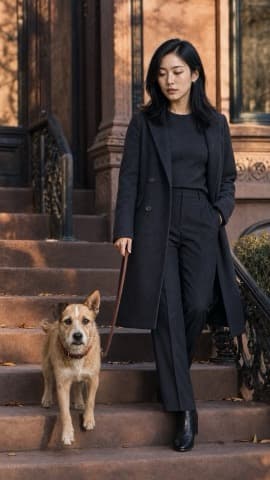
Put the character in a new scene or outfit — one image, conditioned on the whole sheet.
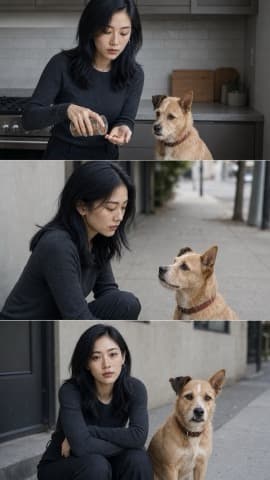
Pre-cast into a storyboard: shots written in order, keyframes rendered with the same face.
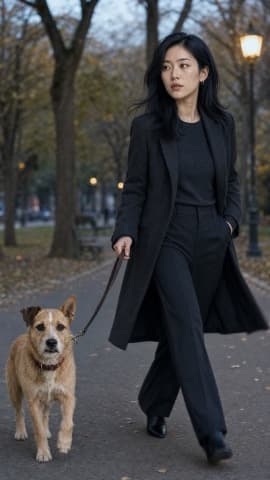
A ~5s clip built from the full reference set, so it reads as the same person and not one animated frame.
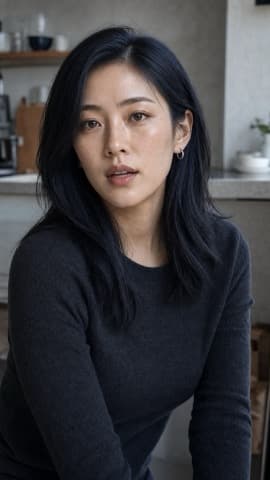
The character speaks to camera, driven by the voice already bound to them.
Not just a face
Your character has a voice.
Choose the voice that fits the character from a library of 45 English voices. It is what talking video speaks with and what storyboard narration reads in, so the character stays the same character once it opens its mouth.
- Expressive Narratorexpressive, warm, storytelling
- Confident Womanconfident, poised, clear
- Trustworthy Manwarm, trustworthy, steady
- Anime Heroineexpressive, animated, bright
- Magnetic-voiced Mansmooth, magnetic, confident
- Graceful Ladygraceful, elegant, refined
- Wise Scholarthoughtful, scholarly, measured
- Playful Girlplayful, cheeky, light
- Deep-voiced Gentlemandeep, refined, dignified
- Wise Ladywise, measured, grandmotherly
A sample of the catalog. Matching is free — you are not buying a voice per character.
Or start from ours
Six characters, already built.
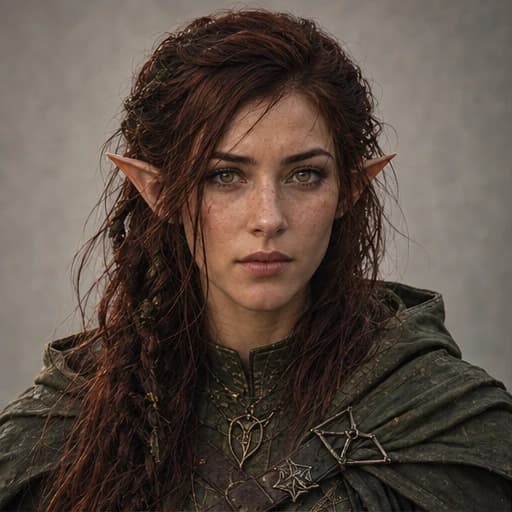
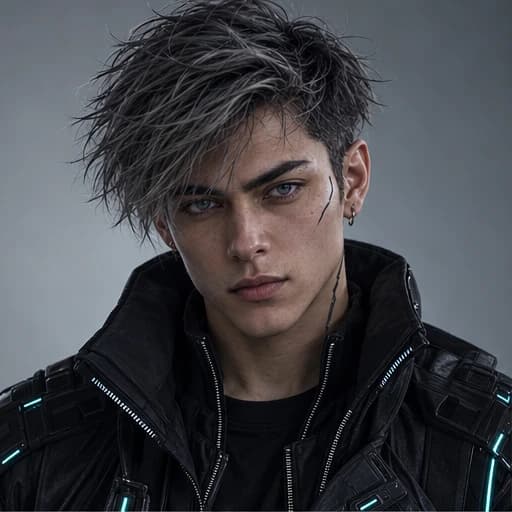
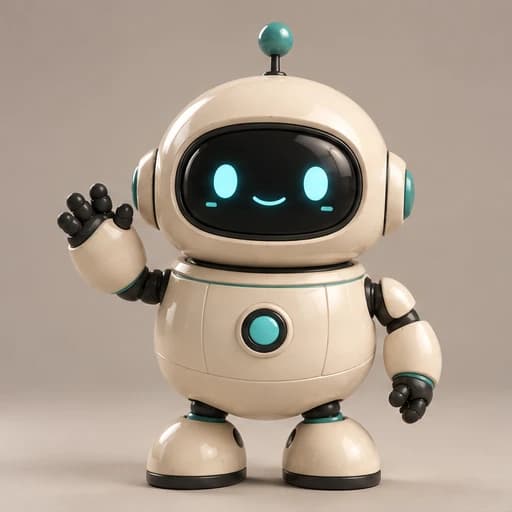
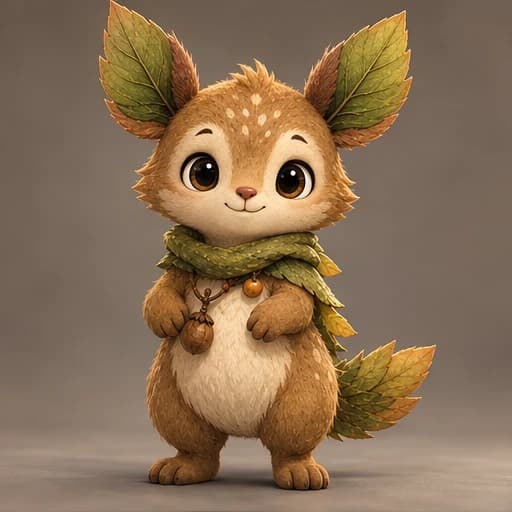
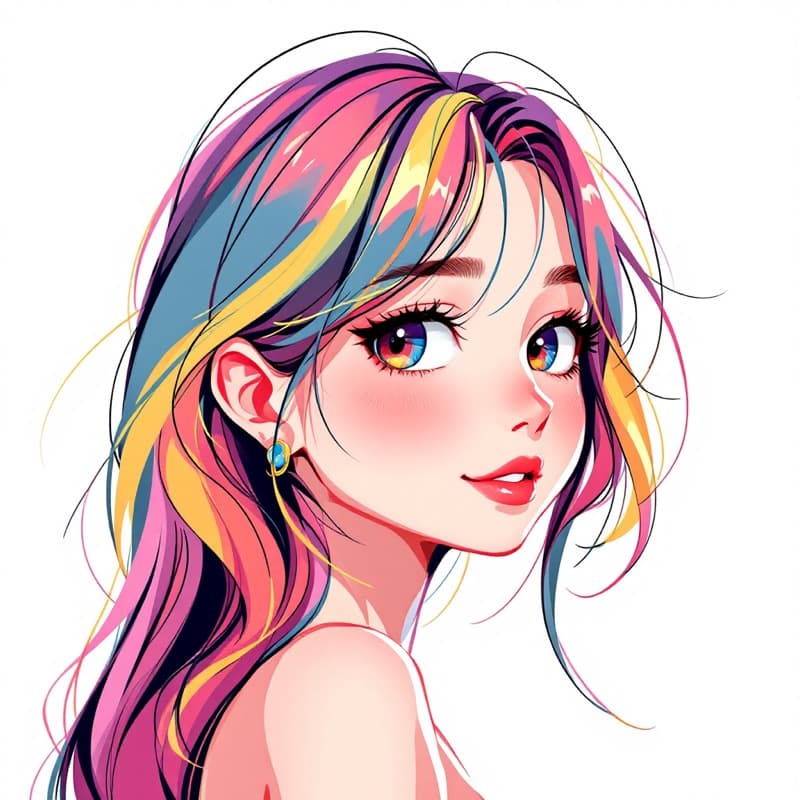
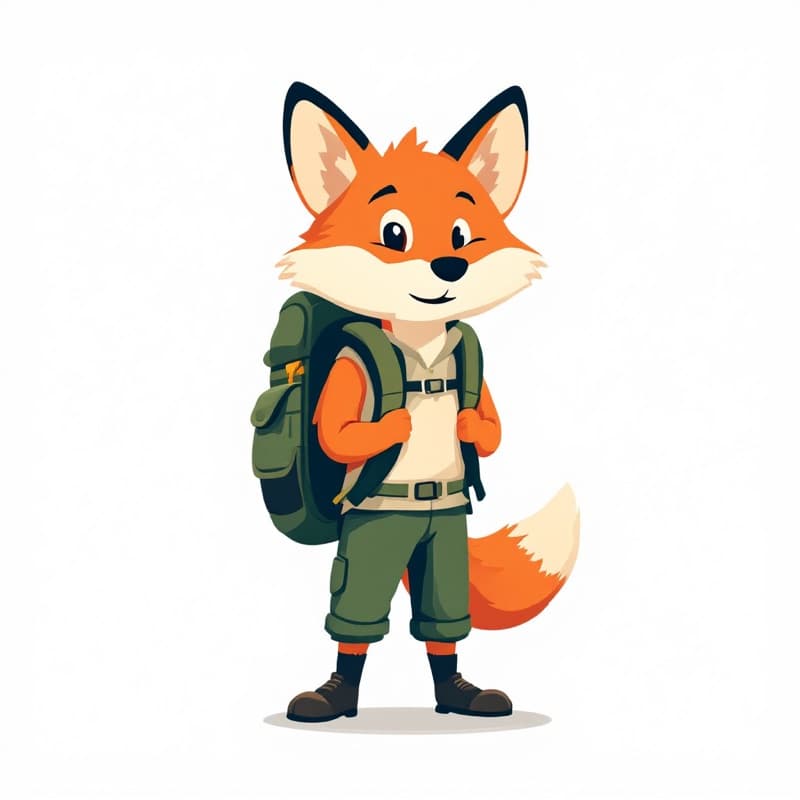
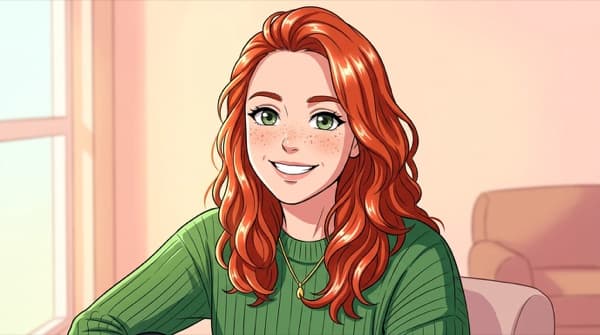
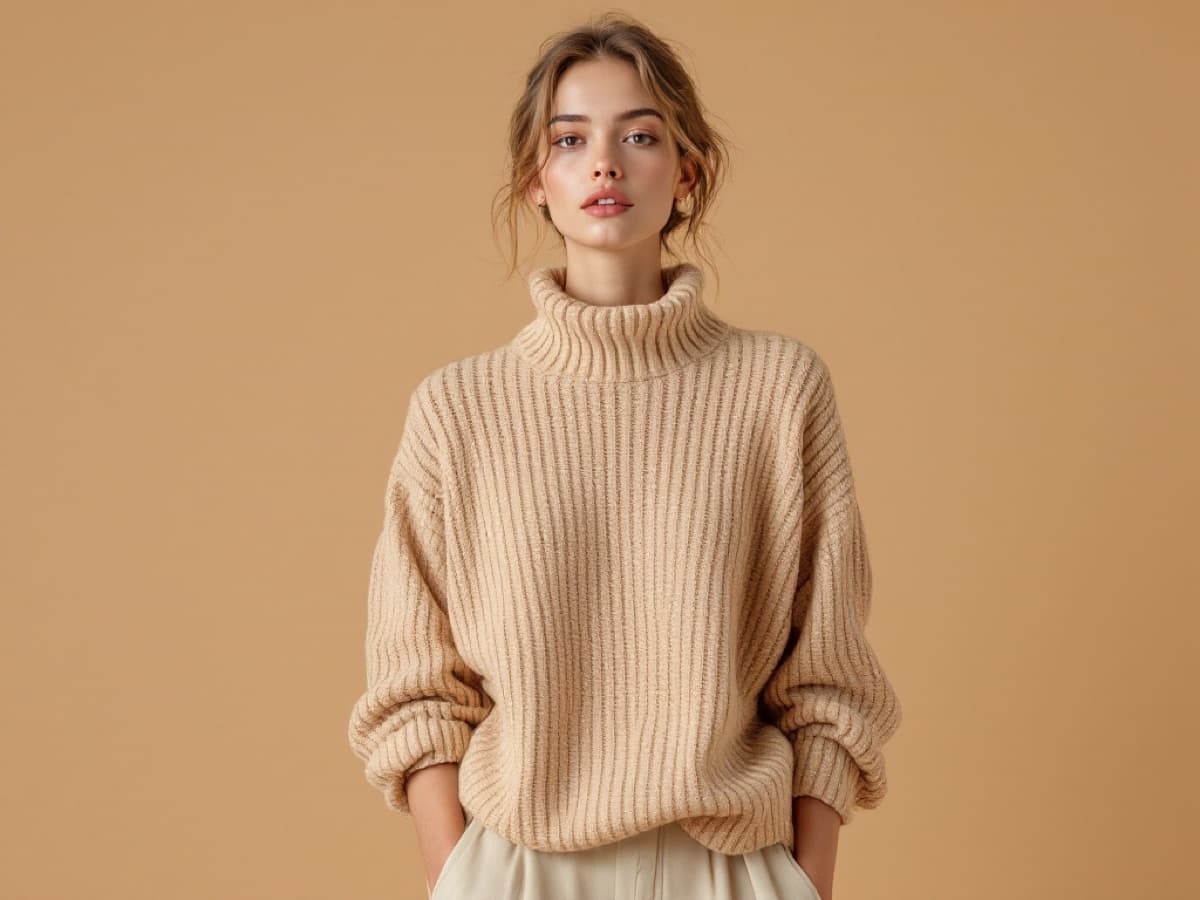
A photoreal woman, an anime heroine, an elven ranger, a cyberpunk operative, a robot mascot and a forest creature — each with a reference sheet you can generate against straight away.

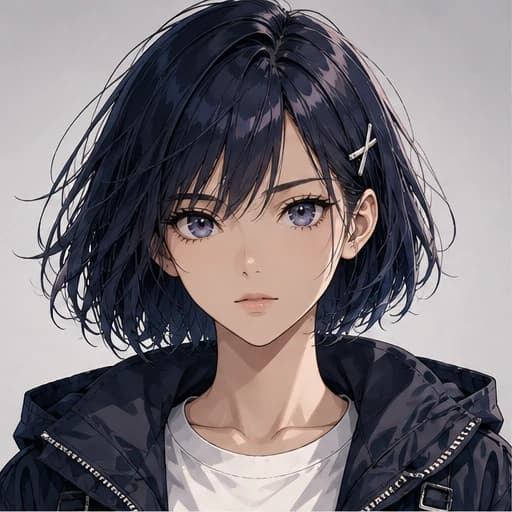
Pick a lane
Tuned starting points for the character you're actually making.


No surprises
Character work, minus the fine print.
Characters start on Hobby
Browse our characters and write your idea before subscribing. Hobby unlocks character creation and every image model inside Characters, including Nano Banana 2 and Pro. Drafting and the first five Face tiles are included.
One character, many scenes
Keep the face, notes and reference sheet together. Reuse them in Studio, Apps and Storyboard without training a separate model.
Failed renders are refunded
A generation that fails is refunded automatically. Completed renders are charged, even if you choose to try another take.
Monthly, cancel anytime
Putting a character in video — short clips and talking video — unlocks on Starter, $9 for your first month, then $29/mo (or $19/mo billed annually). No forced annual contract, downgrade whenever.
What is an AI character generator?
An AI character generator makes a person — or a mascot, or a creature — that you can generate again. That second half is the whole job. Any text-to-image model will hand you a striking portrait; almost none of them will hand you the same portrait subject twice, because the only thing carrying identity between runs is your prompt, and a prompt describes a category rather than a face. “A woman with dark hair and freckles” has a few billion valid answers, and the model picks a different one every time.
The fix is to stop describing and start referencing. A character here is a small set of images of one subject — five Face tiles, including the anchor — that later generations condition on directly. The models are no longer guessing what you meant; they are matching a face they can see. That is why the same character survives a change of scene, outfit, lighting, or medium.
The older way to get this was to train a LoRA: gather twenty or thirty images of a subject, pay for a fine-tuning run, wait, then do it all again for the next character. It works, and it is a substantial amount of work for one cast member. Reference conditioning skips the training step entirely — the sheet is generated in a single pass and is usable immediately — which is what makes keeping a whole cast around practical rather than a project.
What separates tools in this category now is how far the character travels after it is made. A face that holds across still images is table stakes. The useful question is whether the same character can walk into a video model, speak with a voice that belongs to it, and hold across the six shots of a storyboard — because that is where drift is most visible and most expensive to fix by hand.
FAQ
Straight answers.
What is character consistency, exactly?+
Do I need a photo to start?+
Why do faces drift in normal AI generators?+
Is this the same as training a LoRA?+
What angles do I get?+
What is the voice for?+
Can I put my character in video?+
Does it work for non-human characters?+
Can I use the characters commercially?+
How many characters can I have?+
Who are you casting?
One line of text is enough to start. Characters is included with Hobby, with every image model. Video of a character is on Starter.