Make any video you can imagine.
Type a sentence, or drop in a photo. Turn your idea into a real clip with sound. $9 for your first month.
Your prompt and photo stay with you through sign-up.Six real, unretouched clips. Nothing here is stock.Eight kinds of video, from a photo or a sentence.
Each card is one job. Open its tool with the inputs ready, then describe the clip you want to make.



 your photo
Your photo, moving.
Start with one photo. Give the same face, room or product a new moment — a smile, a camera move, a turn toward the light.
Create a character once. Make every video with them.
One photo, or a description, becomes a saved character. Bring the same reference into your next shot without uploading it again.
Make a video with my character one photo

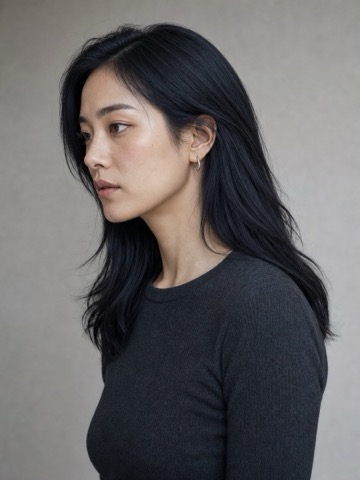

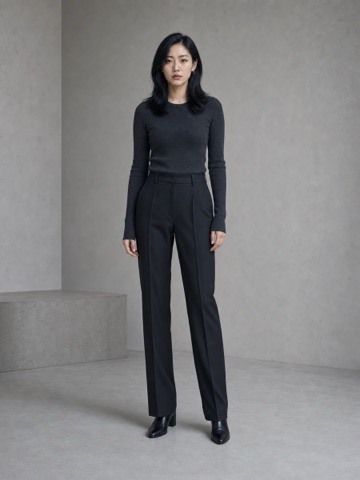
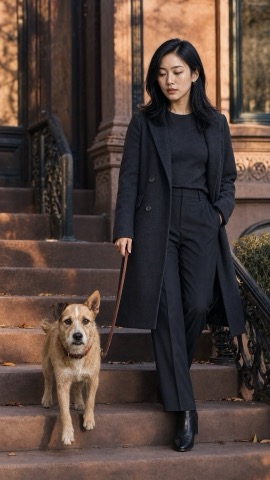 character reference
 character reference
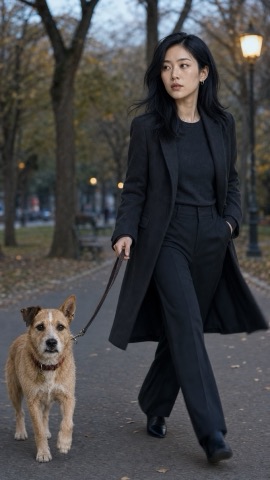 character reference
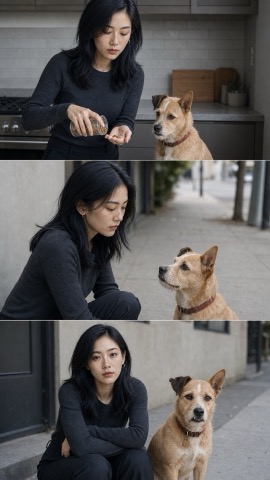 character reference


With sound, not dubbed after.
Speech, footsteps, rain on the street — supported models render audio with the picture. Play this Veo example to hear it.
Kling for motion, Veo for sound. You can switch.
Start with Veo 3.1 Lite in the box above, or choose another engine in Studio.



Questions
How long does a clip take?Model and queue dependent
Timing depends on the model and queue. You can leave Studio open while it renders in the background.
Text or photo — which should I use?Photo for a specific subject
Use a photo when the subject must look a certain way. Use text to describe a scene from scratch.
Can it keep my face?Use a character reference
Use your photo as the first frame, or save a character for future shots. Identity consistency varies by model and motion.
Do the videos have sound?On supported models
Veo supports native audio. Other models may render silent clips; check the model settings before sending.
What if a render fails?Credits refunded
Failed renders are refunded automatically.
Can I cancel after the first month?Yes, anytime
Yes. Cancel in billing settings; access stays available for the period you paid for.
A minute to set up. Your clip right after.
Bring a sentence or a photo. Create your account, choose your plan, and make your clip.
Then $29 a month, or $19/mo billed annually. Cancel anytime.