AI Color Palette Generator
Drop an inspiration image or describe a mood, pick a palette style, and Mintdreamer renders a 5-color swatch strip with HEX codes labeled below — cohesive palettes ready for your brand guide.
Your photo and settings carry into Studio. Starter is required to run Apps; check the final cost before generating.
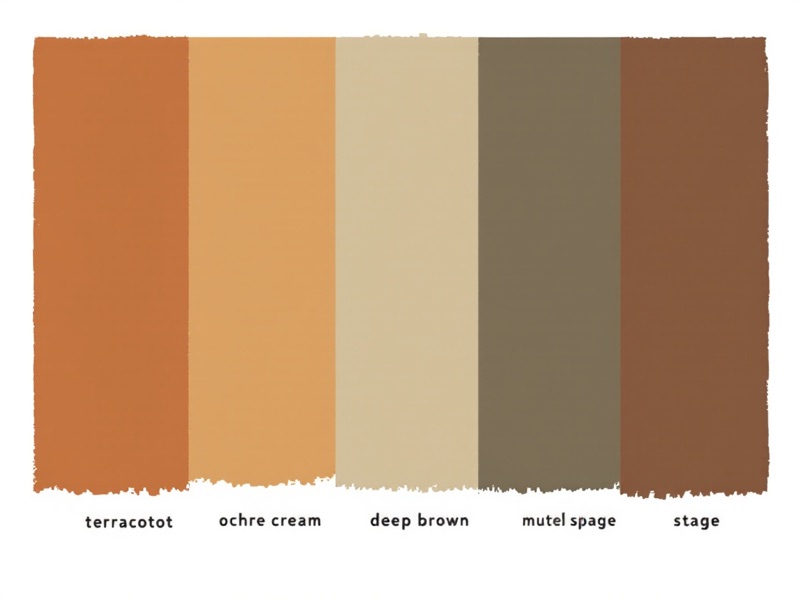 Real output
Real outputs. Pick an example to pause.
What comes out
Cohesive 5-color palettes with HEX codes — ready to drop into your brand guide.
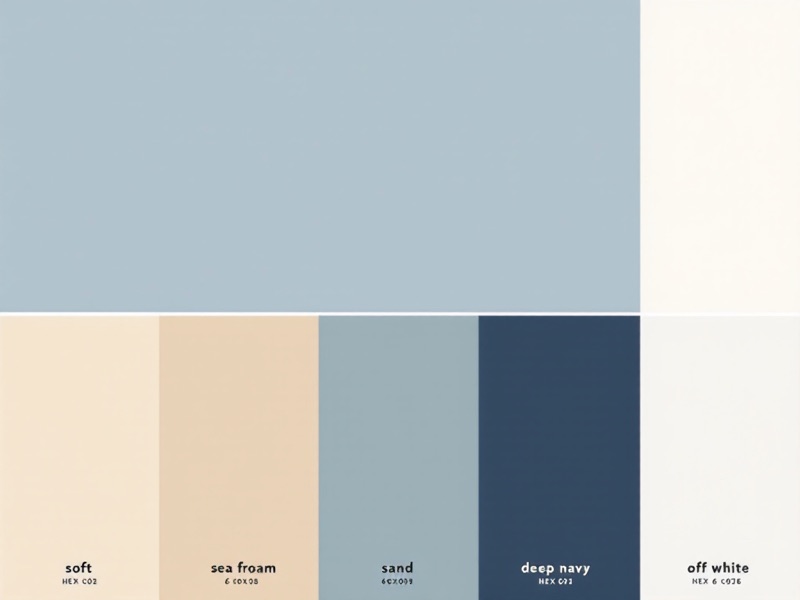
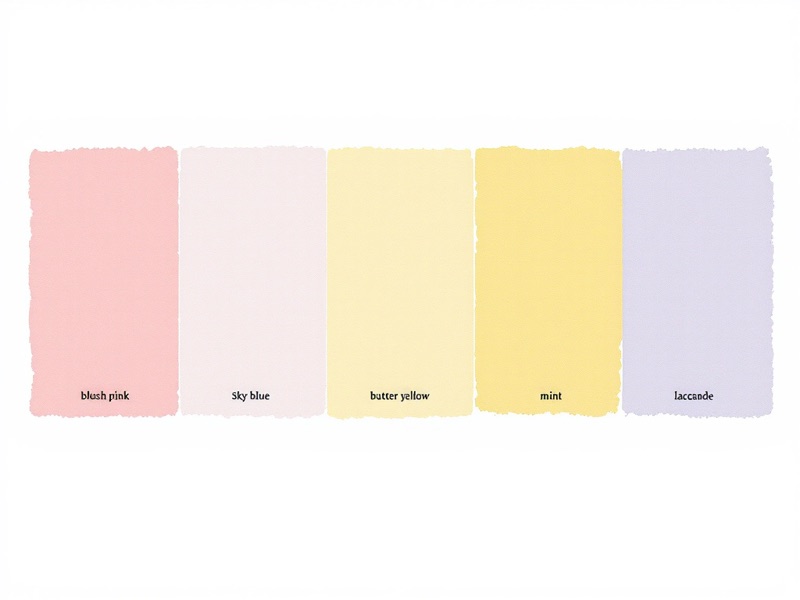
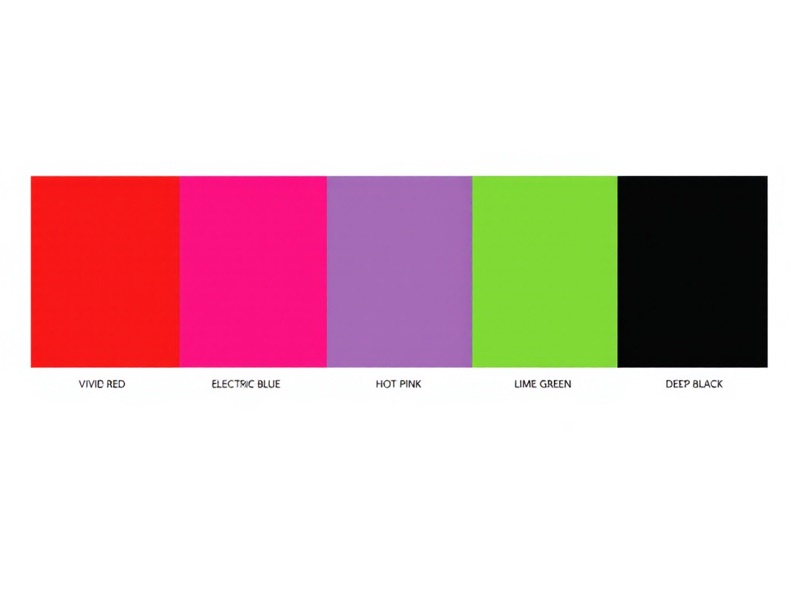
How it works
1 · Drop a photo or describe a mood
Inspiration image, mood phrase, or both. The AI uses these to anchor the palette.
2 · Pick a palette style
Warm earthy, cool coastal, pastel soft, or bold saturated. Sets the overall character of the combination.
3 · Generate the swatch strip
A horizontal 5-color strip renders with HEX codes labeled below each block.
4 · Pick and apply
Sample the colors into Figma, your design system, or your brand guide — and ship.
What it costs
Recraft V3 starts at 8 credits per output at default settings. Check your settings and total in Studio before running.
See the plans →The models behind it
Pick a different one from the composer if you want.
Made for
Brand designers and founders
Spin up cohesive palette options for a new product or company before committing to a final identity.
Interior designers and stylists
Extract a palette from a room photo or moodboard image — anchor a project's color story without guesswork.
Illustrators and digital artists
Generate themed palettes for an illustration series, then keep them consistent across every piece.
Product teams building design systems
Explore color story options at the start of a design system, with HEX codes ready to paste into Figma or your tokens file.
Other one-click apps
The same starting point, other jobs.
AI Image to Video — Bring Any Photo to Life →
A person, a product, a place, a pet — upload one still, describe the motion, and watch it move in seconds. No keyframes, no timeline. Just a photo and a prompt.
AI Avatar / PFP →
Upload one selfie and get a unique, stylized profile picture in seconds. Anime, cinematic, fantasy, pixel art — your face, your identity, any style.
YouTube Thumbnail →
Upload a face photo, enter your video title, and get a click-worthy 1280x720 thumbnail. Built for YouTubers who need results fast without a graphic designer.
Outfit Try-On →
Upload a garment photo and a model image to see exactly how the clothing looks when worn. No photoshoot needed — ideal for Shopify stores, fashion brands, and shoppers.