AI Vector Converter
Upload a logo, sketch, or illustration and Mintdreamer redraws it as a clean flat vector-style image — simple solid-color shapes, no gradients, ready to trace into true SVG with a tracer of your choice.
Your photo and settings carry into Studio. Starter is required to run Apps; check the final cost before generating.
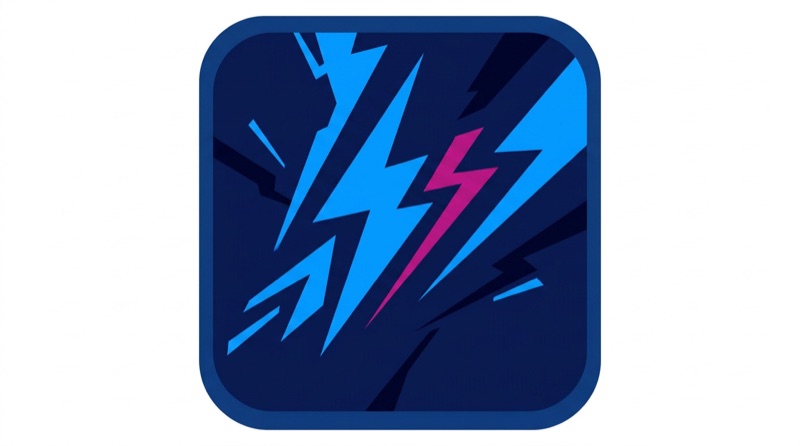 Real output
Real outputs. Pick an example to pause.
What comes out
Flat vector-ready redraws of any logo, sketch, or illustration.
How it works
1 · Upload your source image
A logo, sketch, or illustration. Best results come from clear subjects on simple backgrounds.
2 · Pick a vector style
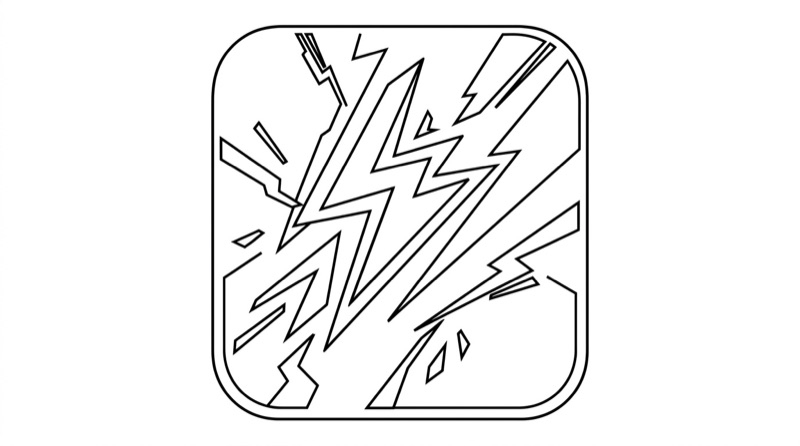
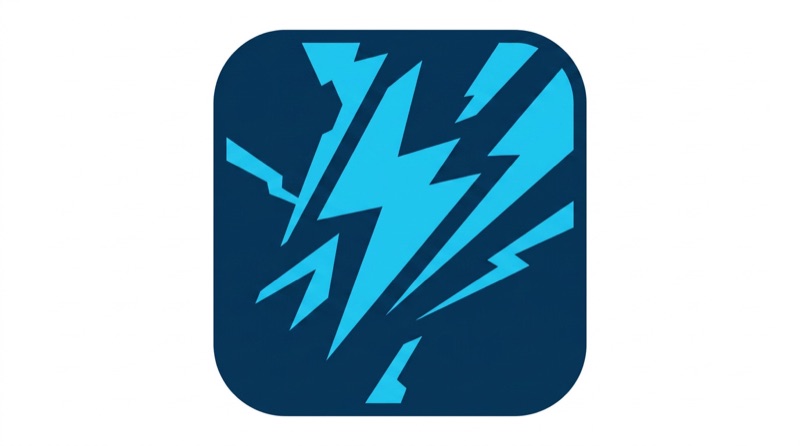
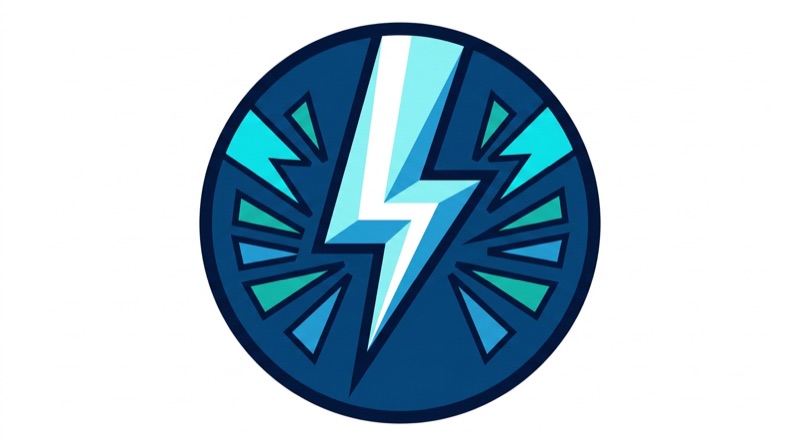
Flat Vector, Line Art, Two-Color, or Badge. Each preset is tuned for a specific kind of clean trace.
3 · Generate the flat-shape version
The AI redraws your image into clean fills, removing gradients and texture.
4 · Trace to true SVG
Drop the output into Vectorizer.io, potrace, or Illustrator's Image Trace to convert flat shapes into editable SVG paths.
What it costs
Nano Banana Pro starts at 16 credits per output at default settings. Check your settings and total in Studio before running.
See the plans →The models behind it
Pick a different one from the composer if you want.
Made for
Founders cleaning up a hand-drawn logo
Sketched a logo on paper or in Procreate? Snap a photo, run it through, and get a clean flat-shape version ready to trace into a real SVG file.
Print-on-demand sellers
Convert raster art into vector-ready form for sticker, T-shirt, and mug printing — POD platforms often require SVG for clean print at scale.
Designers simplifying complex illustrations
Turn detailed shaded illustrations into flat-shape variants for icon sets, app illustrations, or marketing material.
Solo developers vectorizing their own assets
Take a quick mockup and produce a vector-ready version without paying for a dedicated illustrator.
Other one-click apps
The same starting point, other jobs.
AI Image to Video — Bring Any Photo to Life →
A person, a product, a place, a pet — upload one still, describe the motion, and watch it move in seconds. No keyframes, no timeline. Just a photo and a prompt.
AI Avatar / PFP →
Upload one selfie and get a unique, stylized profile picture in seconds. Anime, cinematic, fantasy, pixel art — your face, your identity, any style.
YouTube Thumbnail →
Upload a face photo, enter your video title, and get a click-worthy 1280x720 thumbnail. Built for YouTubers who need results fast without a graphic designer.
Outfit Try-On →
Upload a garment photo and a model image to see exactly how the clothing looks when worn. No photoshoot needed — ideal for Shopify stores, fashion brands, and shoppers.